


Batch actions
Process multiple images, videos, or PDFs at once.
Compress, convert, resize, and clean up images, videos, and PDFs privately on your Mac.
Download Sift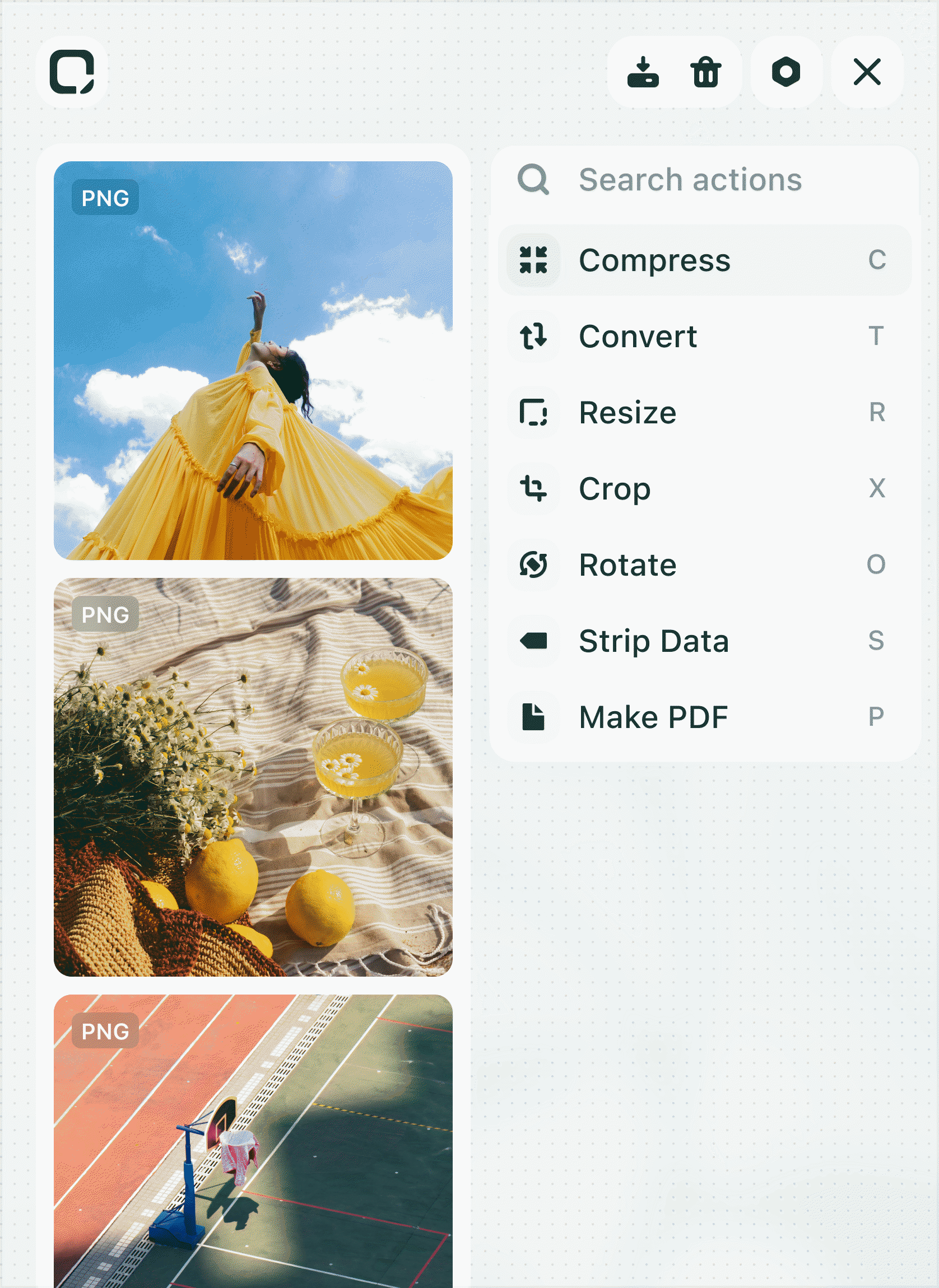
Process multiple images, videos, or PDFs at once.
Your files stay on your Mac while Sift does the work.
Get Sift's full local Mac toolkit with a simple one-time purchase. No subscriptions, credits, or limits.
Everything you need to know before adding Sift to your Mac.
Sift is a native macOS app for everyday file operations across images, videos, and documents. It helps you compress, convert, resize, clean up, and prepare files from one simple workspace.
Sift is designed around images, videos, and documents, especially PDFs. The goal is to cover the common file tasks creatives do every day.
Because most file tasks are small but repetitive. Sift brings them into one app so you do not have to jump between websites, converters, PDF tools, image tools, and video utilities.
Yes. Sift is built for batch workflows, so you can drag in multiple files and apply operations to them together.
Yes. Sift is designed around local-first processing, which keeps files on your device for operations that can run locally.


